One prompt.
A finished reel.
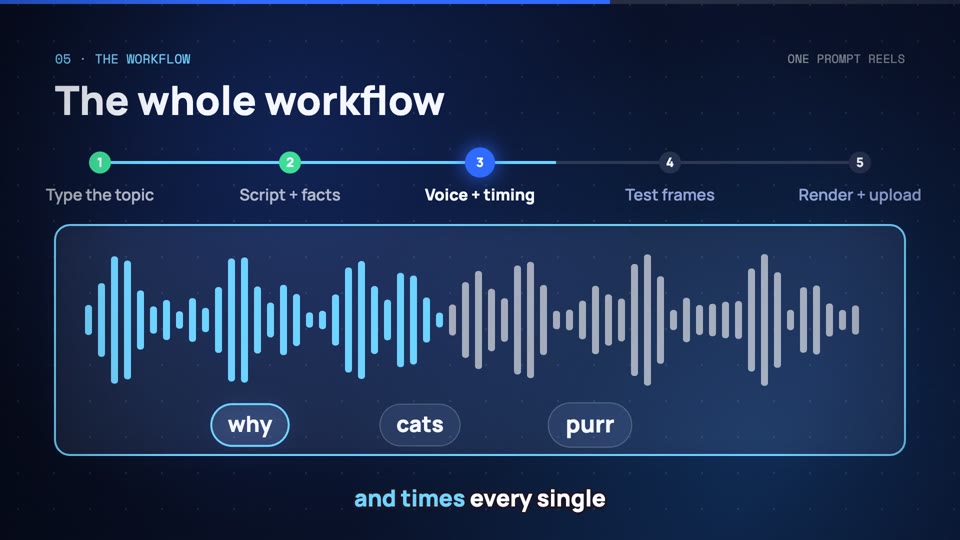
Type one sentence. Get a voiced, captioned vertical video in any of 55 styles.
One payment · Mac & Windows · Lifetime access
- Script & hook7 lines
- Facts checkedwith sources
- Voice & captionsaf_bella
- AnimationPaper Cutout
- Music & render1080×1920
Three steps. One evening.
Download
Get the studio from your student area.
Install
Open it in Claude, type install the studio.
Prompt
Type one sentence. Get an MP4.
Video lessons show every click, on Mac and on Windows. No coding.
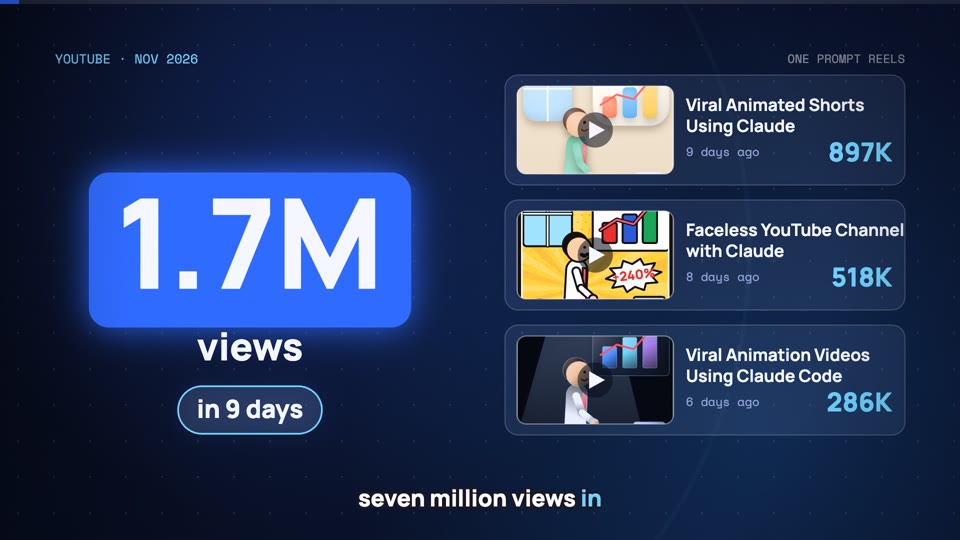
Cartoon reels pull
huge numbers.
A 50-second "check your lungs" play-along test.
play-along-testA stick-figure "what would you do?" cliffhanger.
you-decideAn "imagine you're a shark" cartoon POV.
imagine-youAcross 11 animated reels we studied to build the formats.
13 formats insidePublic like counts of reels by other creators, November 2026. Not made with our studio. Your results will vary.
Nothing else to connect.
Just Claude.
Connect Claude — and everything works.Voice, animation, captions and rendering run right on your computer. No other services, API keys or monthly fees.
Service names are shown for comparison only; they are not affiliated with One Prompt Reels.
A whole studio,
ready to go.
animation styles
Clay, comic, pixel, paper, 3D and more.
natural voices
US and UK, male and female. Tap to listen.
story formats
Explainers and proven viral formats.
short video lessons
Plus a written guide with 50 ready prompts.
- Setup on a Mac3 min
- Setup on Windows2.5 min
- Your first reel2 min
video ads from a photo
Turn a product photo into a reel for a client.
photo

A short course.
Every click shown.
9 animated video lessons, about 16 minutes in all. Watch one, do it, done.
Lesson 5 · Your first reel
- What you'll make
- One account: Claude
- Setup on a Mac
- Setup on Windows
- Your first reel
- Viral formats
- Ads from a photo
- Post and sell
- Bonus: every style and voice
Short pages with 50+ ready prompts, 100 topic ideas and fixes for common errors.
Lessons, the Guide and the downloads live in your own student area. Access opens right after payment.
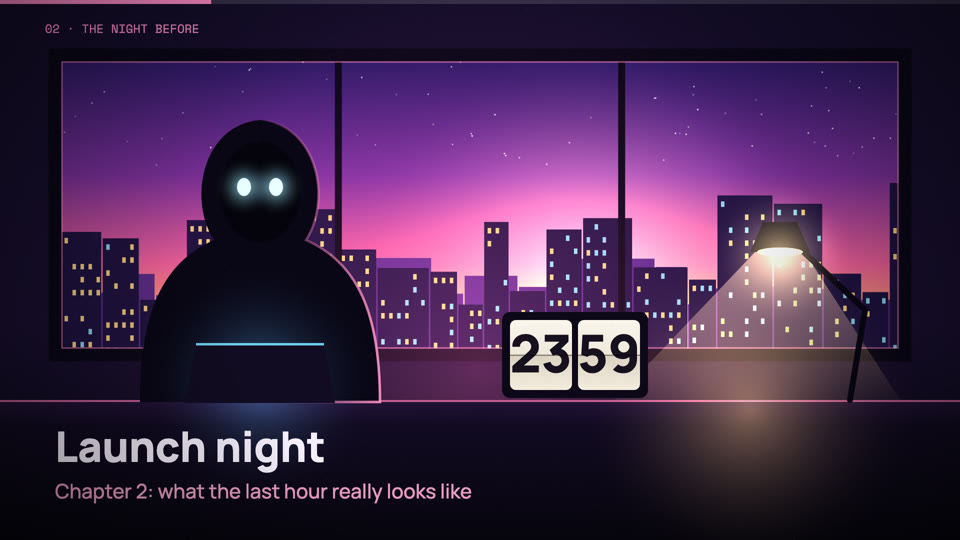
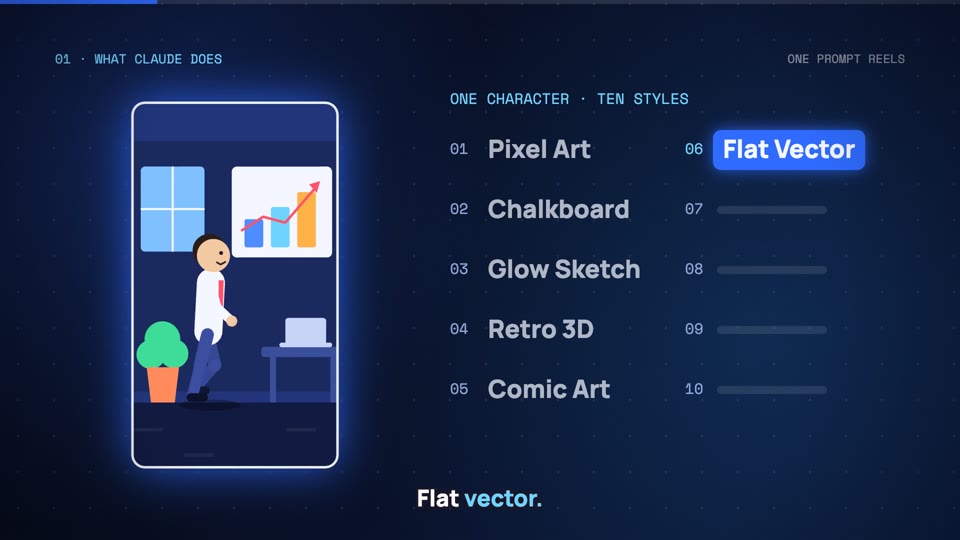
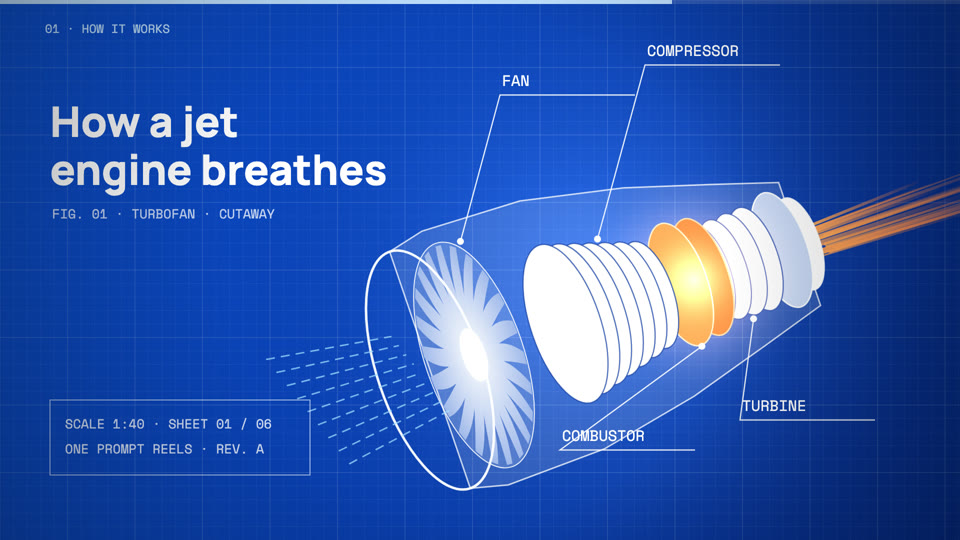
55 looks.
One word to switch.
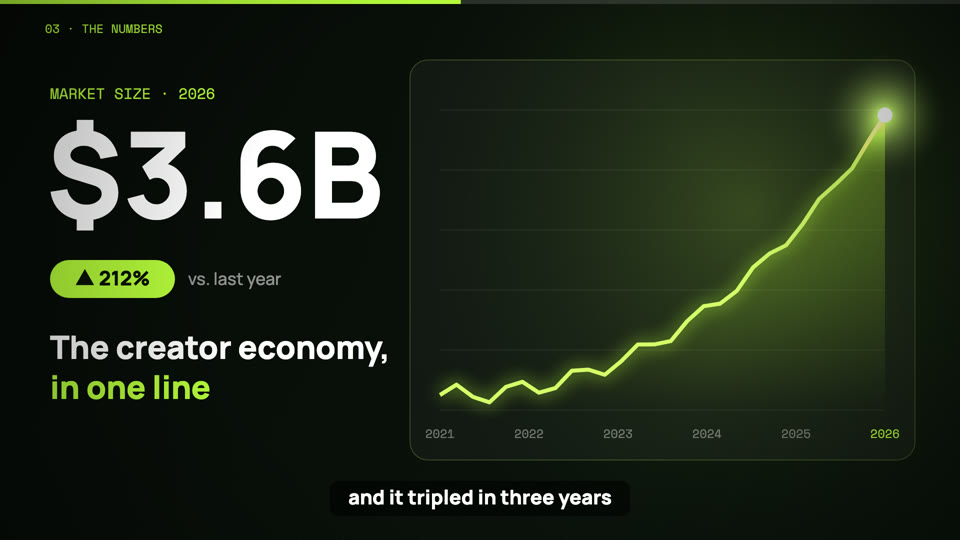
Say “for YouTube”.
The frame turns wide.
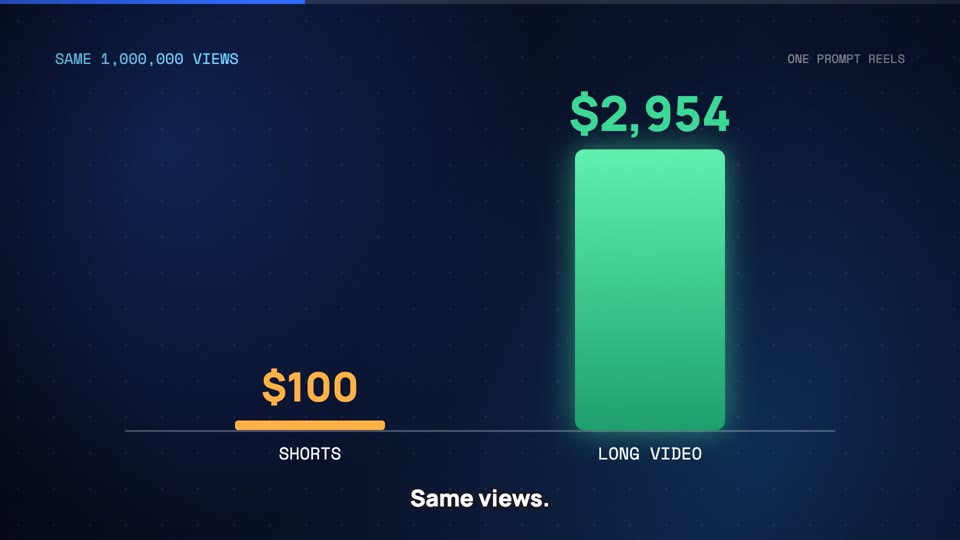
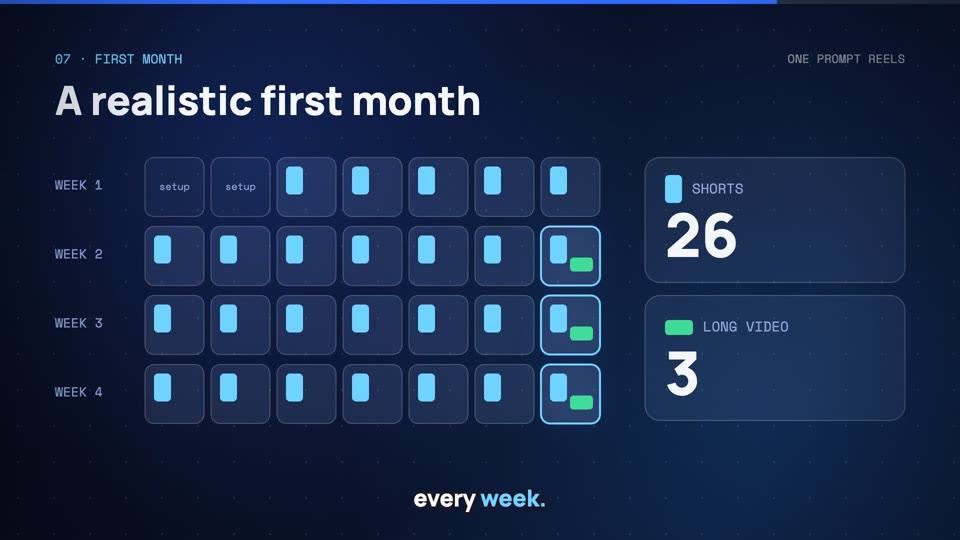
The same studio makes horizontal 16:9 explainers: two to five minutes, with chapters, voice and captions. Shorts still come out of the same command.
Pay once. Keep it forever.
- The studio for Mac and Windows
- 55 styles and 28 voices
- 13 story formats and photo ads
- 9 video lessons and the Guide
- Your own student area
- Free studio updates
You'll also need a Claude Pro or Max plan and a Mac or Windows computer. Details
Questions
Do I need to know how to code?
No. You type plain English in the Claude app. The video lessons show every click, on Mac and on Windows.
What else do I need?
A Claude Pro ($20/month) or Max plan, a Mac (macOS 13+) or a Windows 10/11 PC, and about 20 GB of free space. No other subscriptions or API keys: voice, captions and rendering run on your computer.
Is this AI video like Sora?
No. It makes stylized animation drawn in code, not photoreal footage of people. That's why every reel is consistent and easy to edit.
Can I use the videos commercially?
Yes. The reels you make are yours to post, monetize or make for clients. For ads, use photos and brands you have permission to use.
How do I get access?
Right after payment you set a password and land in your student area: the video lessons, the Guide and the studio downloads. Access is lifetime, updates included.